

Dedicated seller access
Keep seller and customer identities separate so business permissions stay clean.
Aromart Seller Guide
This guide walks you through everything you need to know to become an Aromart seller, from creating your seller account and setting up your store to listing products, fulfilling orders, handling returns and claims, and reviewing your earnings.
Keep seller and customer identities separate so business permissions stay clean.
Every product belongs to a seller-owned store, so the platform remains marketplace-ready.
Dashboard counts, orders, returns, products, and payouts are scoped to the active seller.
Dashboard access starts only after Aromart approves and activates the seller profile.
Quick Start Checklist
Follow these steps in order when launching a seller account. Each stage prepares the next part of your store, catalog, fulfillment, and payout operations.
| Step | Seller action | Result |
|---|---|---|
| 1 | Create a dedicated seller account. | Seller login identity is separated from customer shopping. |
| 2 | Submit business, store, bank, and verification details. | Application moves into review. |
| 3 | Fix any review notes and wait for approval. | Seller profile and store become active. |
| 4 | Configure the store profile and payout destination. | Customers and finance teams have reliable seller information. |
| 5 | Create products, variants, images, prices, and stock. | Listings can be reviewed and published. |
| 6 | Pack, ship, and track each seller-owned order segment. | Customers receive fulfilled orders and earnings are recognized. |
| 7 | Respond to returns, cancellations, and payout checks. | Operational risk stays visible and controlled. |
Start by creating a dedicated seller account through the Aromart Seller Portal.
We recommend keeping your seller and customer accounts separate so that business activities and permissions remain properly organized.
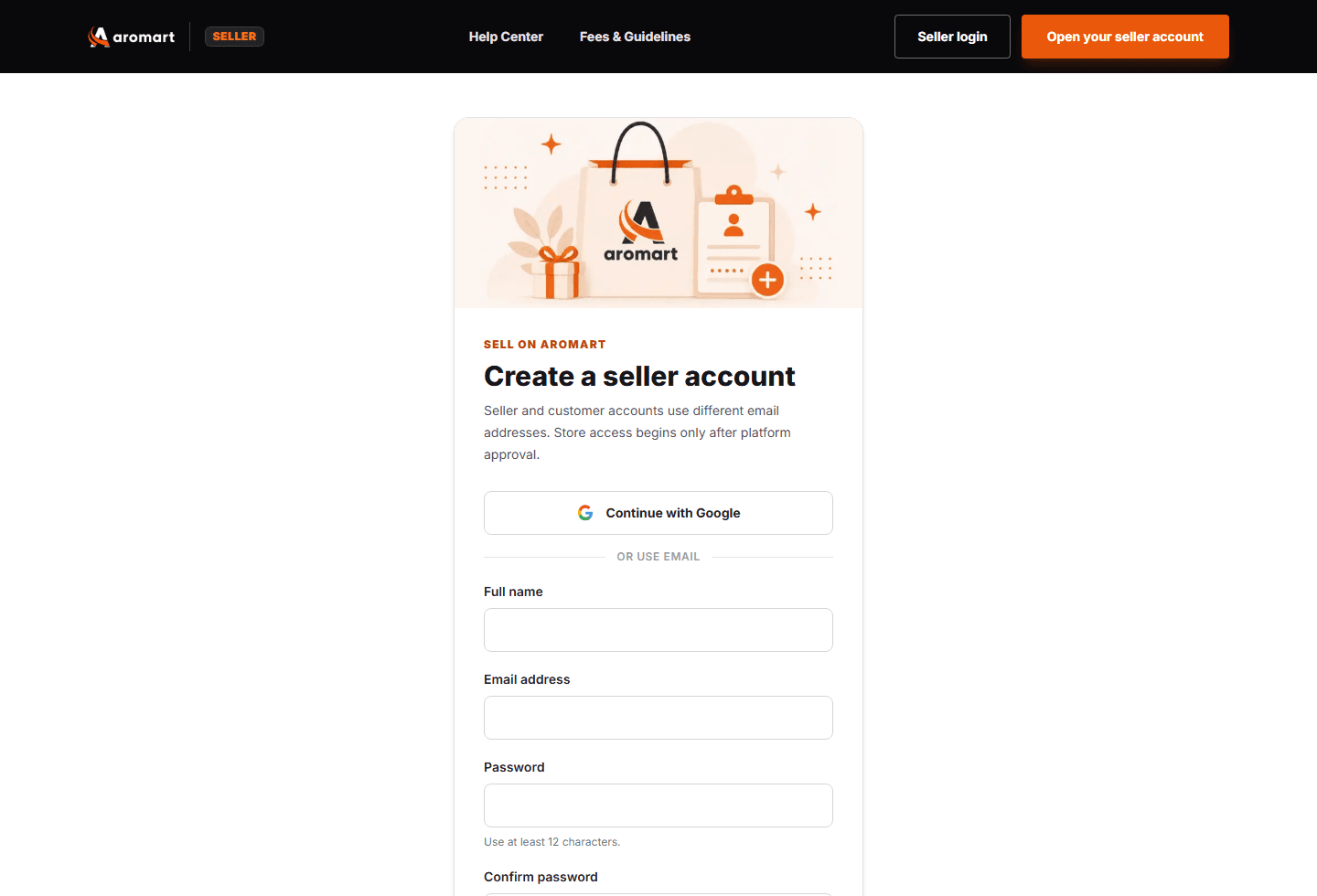
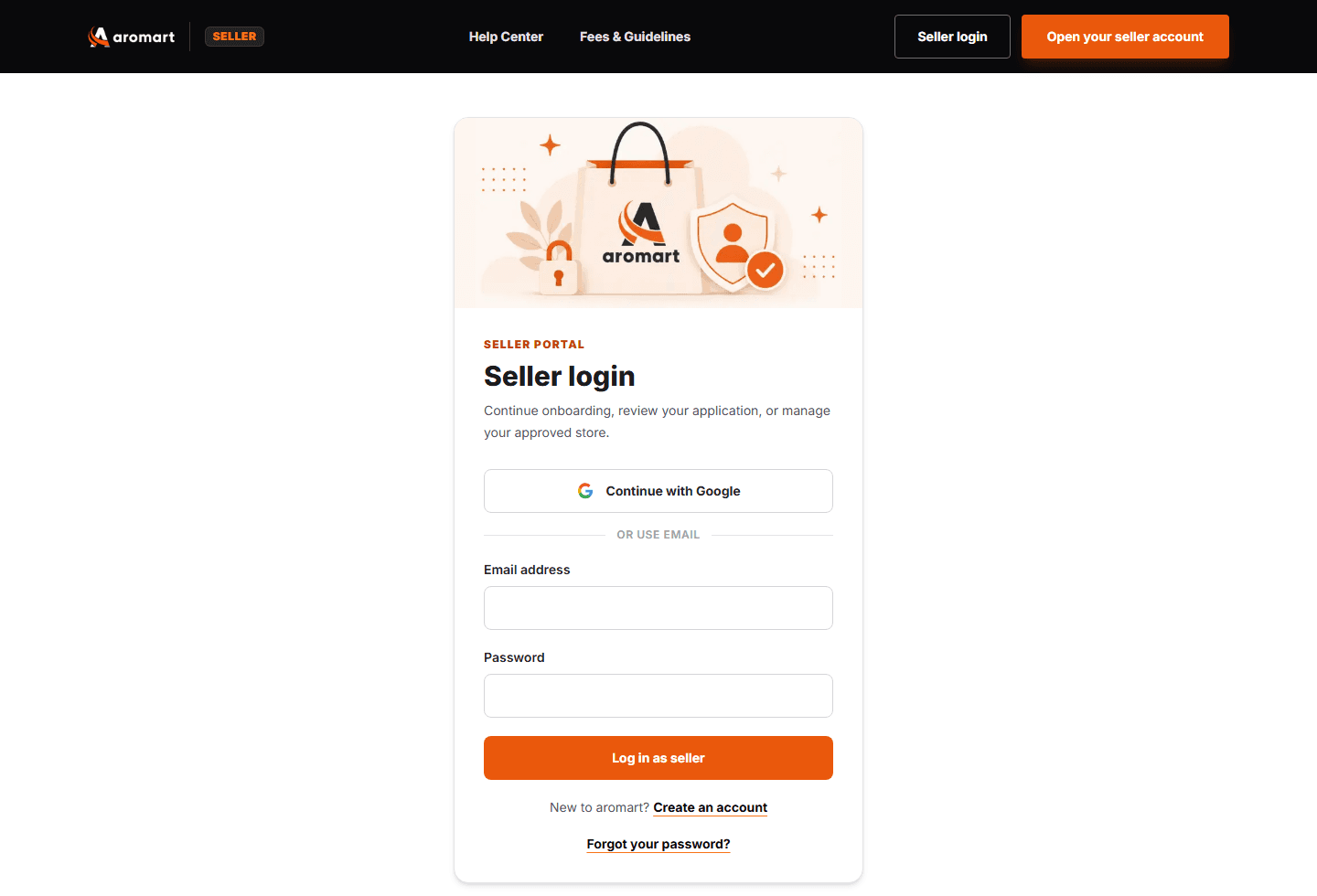
If you have already created a seller account, use the Seller Login page to continue.
After signing in, Aromart automatically directs you to the appropriate page based on your seller status.
Use Seller Login, not the regular customer login. If email verification is requested, complete it before continuing.
During onboarding, you provide the information Aromart needs to verify your business, create your store, and prepare your account for payouts.
This includes legal business details, contact information, store details, business address, payout information, and verification documents.
Review all information carefully before submitting. Incorrect or incomplete details may delay approval.
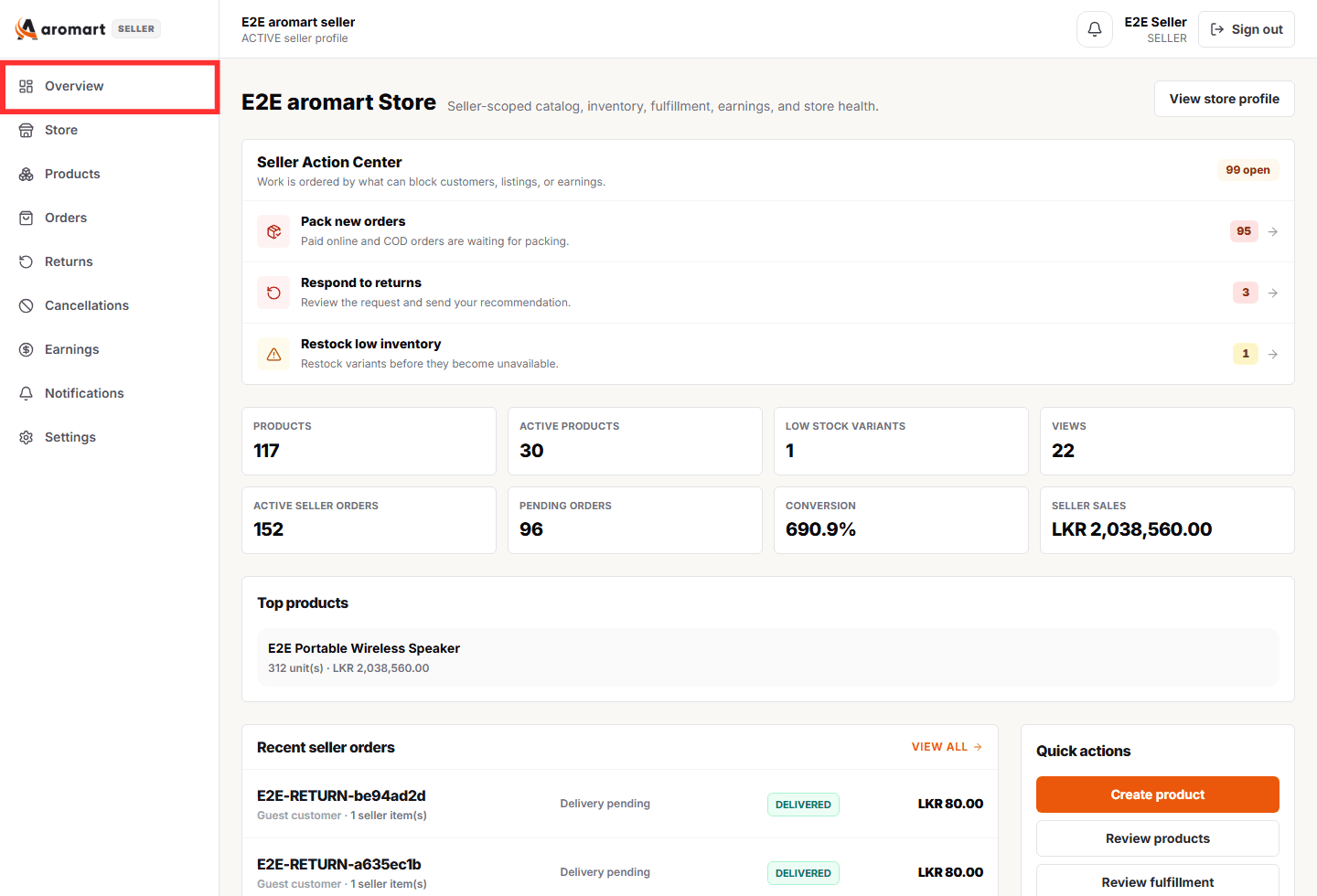
The Seller Dashboard gives you a quick overview of your store and highlights tasks that may require attention.
Start each working day from the Action Center and prioritize urgent fulfillment and rejected-listing tasks before lower-priority updates.
Dashboard figures are specific to your seller account and store. They do not represent activity across the entire Aromart marketplace.
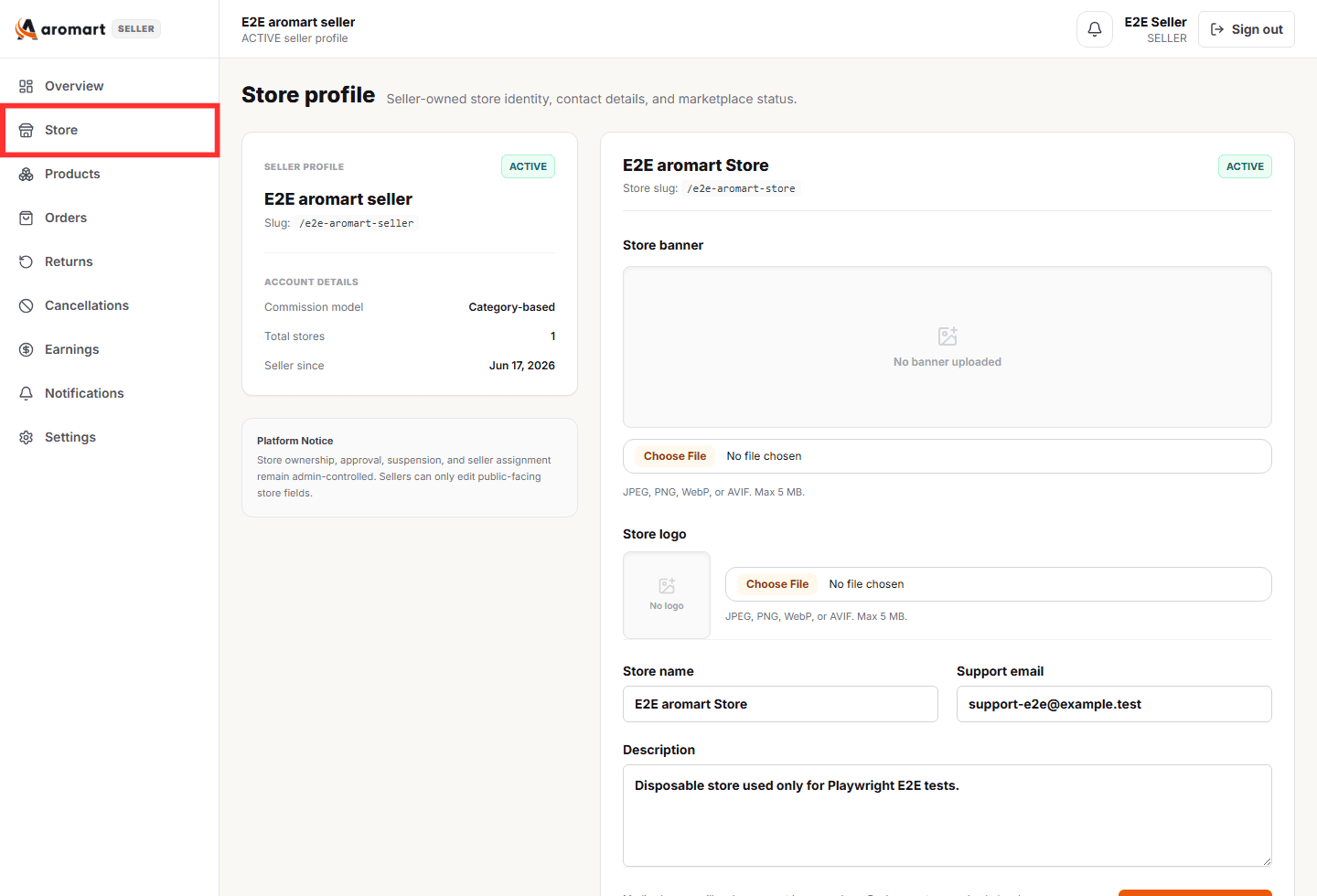
Your Store Profile controls how your business appears to customers on Aromart.
Before publishing products, make sure your storefront information is complete, accurate, and professional.
Your store profile is public-facing. Never include bank account information, tax information, passwords, login credentials, or other private business data in public fields.
The Products section is where you create, update, and monitor the products sold through your Aromart store.
Each product should include complete category, description, variant, SKU, price, image, specification, and inventory details.
Products may be approved, rejected, or returned for corrections during marketplace review. Read review notes carefully.
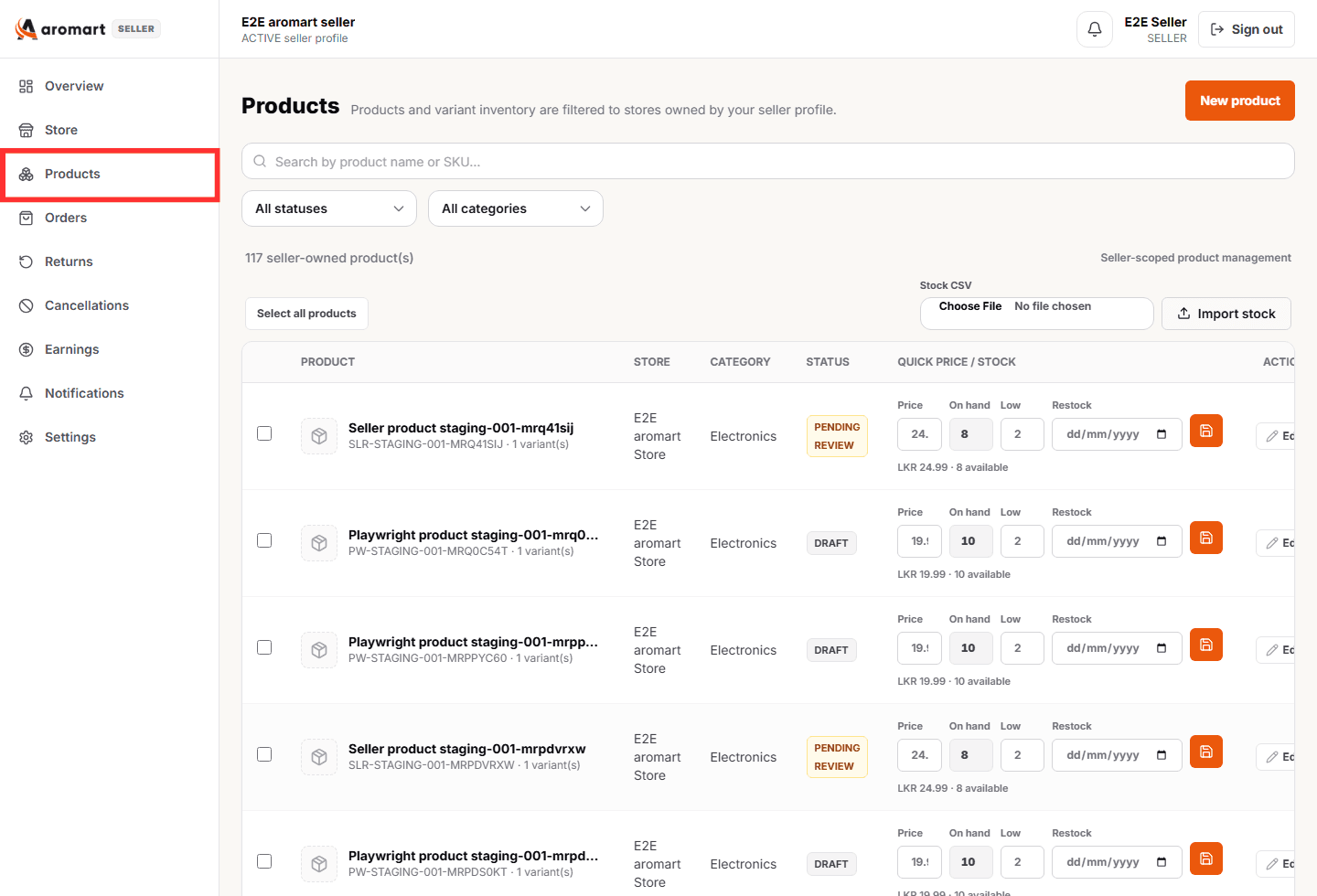
Use Add New Product when you want to create a new listing for your Aromart store.
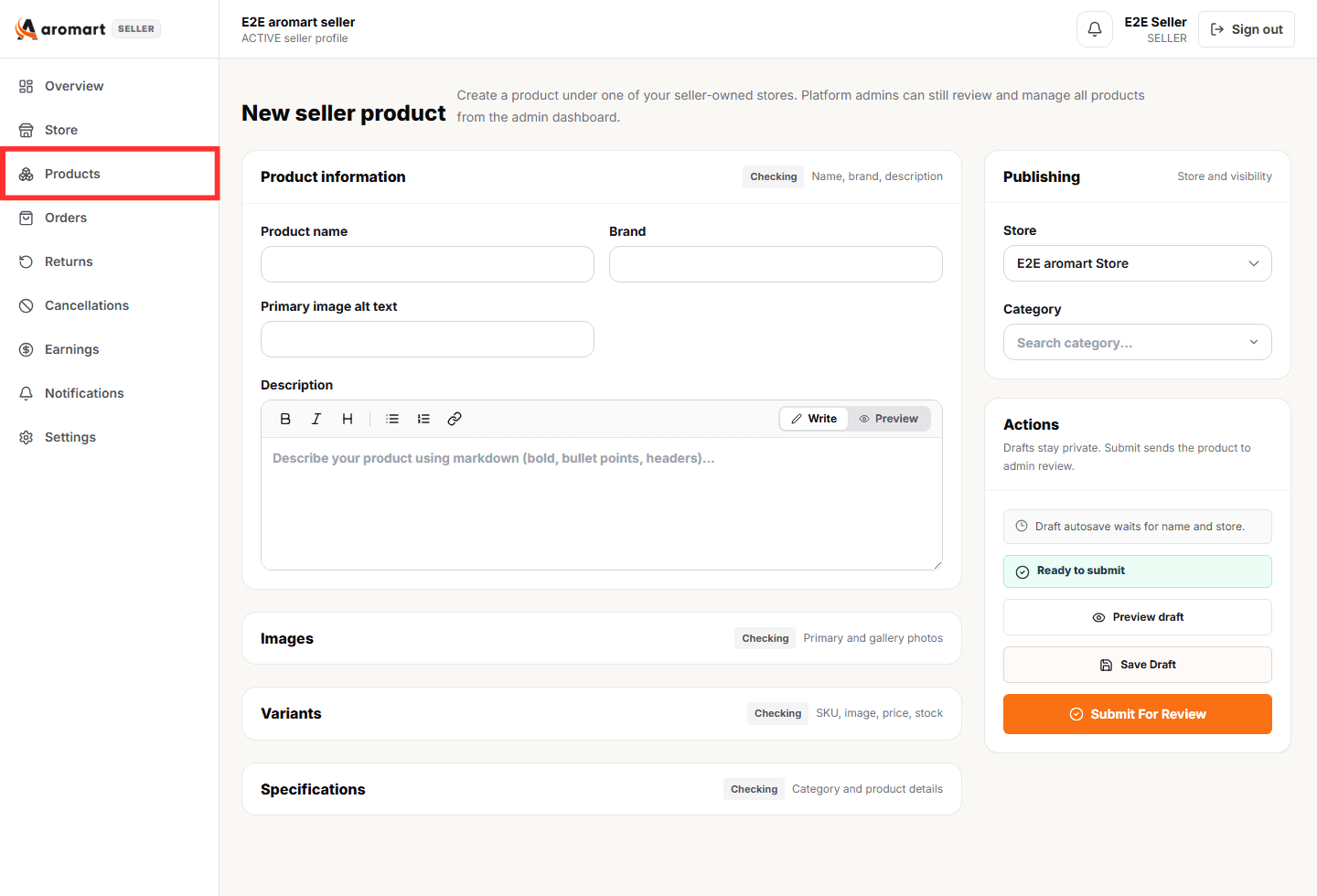
The product form collects details required for marketplace review, including category, variants, pricing, inventory, images, dimensions, attributes, and category-specific specifications.
Use Save as Draft if the listing is not complete. Submit for Review only when product information, images, pricing, and inventory are correct.
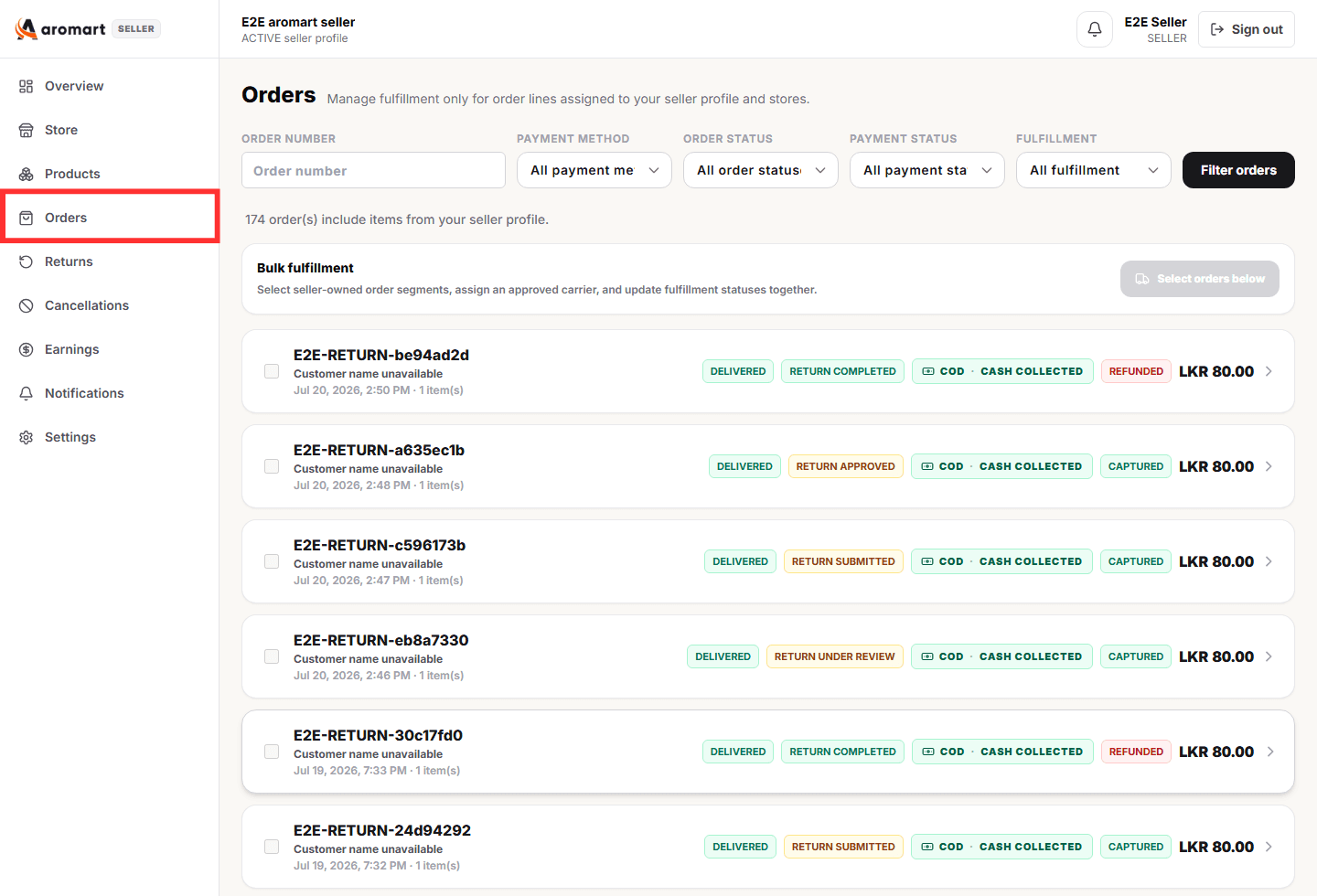
The Orders section contains the order items assigned to your store.
Use this page to review new orders, confirm payment information, prepare products for dispatch, add courier details, and track each order through fulfillment.
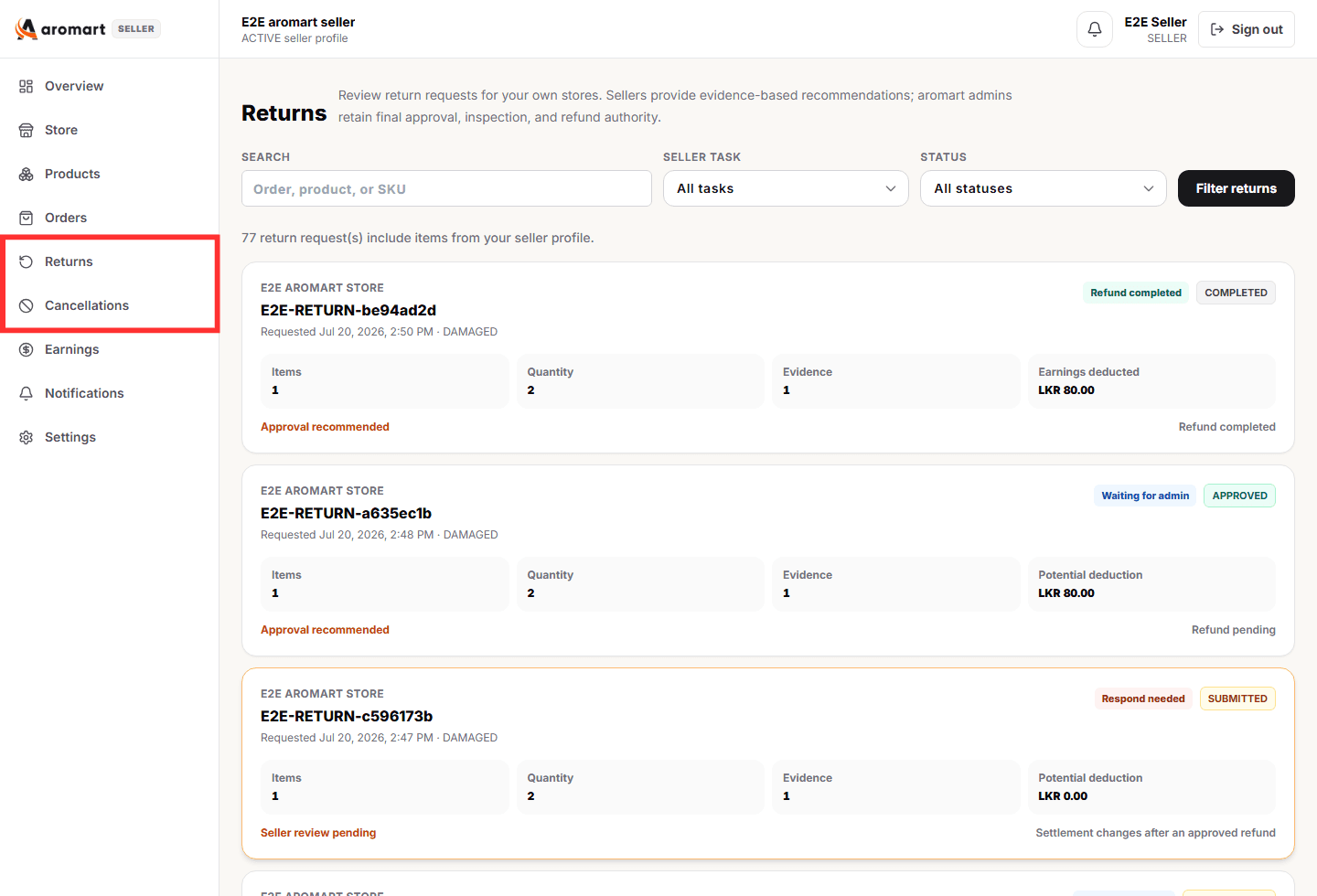
The Returns and Cancellations section allows you to review requests involving products sold by your store.
When seller input is required, review the affected item carefully and provide the requested recommendation, explanation, or supporting evidence.
Do not issue refunds or arrange alternative refunds outside Aromart. Administrators retain final authority over approvals, rejections, inspections, and refunds.
The Earnings and Payouts section helps you understand how much your store has earned and the current status of those earnings.
Balances may include held earnings, payable earnings, deductions, and paid amounts.
Your earnings records explain what you earned, what was deducted, and what has already been paid.
The Settings section contains important seller contact information and payout destination details.
Keep this information accurate so Aromart can contact your business and process eligible payouts correctly.
Account email, role, ownership, and seller approval status may be controlled by Aromart and cannot be changed directly from seller settings.
Each order may display several badges. These badges show different parts of the order and should be read together before taking action.
Shows what is currently happening with the order, such as Processing or Cancellation Completed.
Shows how the customer is paying and the current payment state, such as COD - Collection on Delivery, Online - Paid, Online - Failed, or COD - Not Collected.
Shows the current financial outcome of the order, such as Pending, Captured, Refunded, Failed, or Cancelled.
The order is active. The customer selected Cash on Delivery, so a Pending payment status is expected until delivery collection.
Seller action: Verify the order details, pack the correct products, arrange delivery, and add required courier and tracking information.
The customer has successfully paid online and the payment has been captured, while the order is still being prepared.
Seller action: Confirm the order details, pack the products, arrange shipment, and update tracking information. Do not request another payment.
The customer's online payment was unsuccessful even if the order still displays Processing.
Seller action: Do not dispatch based only on the Processing badge. Wait for a valid payment state or platform instruction.
The order has been cancelled and the Cash on Delivery payment was never collected, so no customer refund is normally required.
Seller action: Do not ship the order. If the product was prepared but not dispatched, return it to available inventory through the normal workflow.
The order was paid online but later cancelled, and the applicable refund has been processed through the platform.
Seller action: Do not ship the order and do not arrange a separate seller-side refund outside Aromart.
For COD orders, payment may remain Pending while the order is being processed because collection takes place during delivery. For online orders, confirm payment completion before dispatch.
Incorrect tracking information or premature status updates can create problems for customers, delivery tracking, returns, and seller earnings.
Use these rules before packing, shipping, cancelling, or discussing payment with a customer.
Use this checklist at the beginning or end of each working day to keep your Aromart store running smoothly.
Protecting seller and customer information is an important part of operating on Aromart. Your seller account should only expose information relevant to your business.
If you believe your seller account, login credentials, payout information, or customer data may have been compromised, contact Aromart Seller Support immediately.
Contact Aromart support for account, document review, payout, store setup, or order-operation questions. Do not email passwords, bank account numbers, customer exports, or private verification files unless support provides a secure upload path.